Post · Caption
Instagram caption generator
Say the idea. CTR writes the caption in your voice, from your own facts, at the length the platform takes — an AI social media post generator that never invents a number. Instagram, Threads, X, LinkedIn.
A caption written to do something
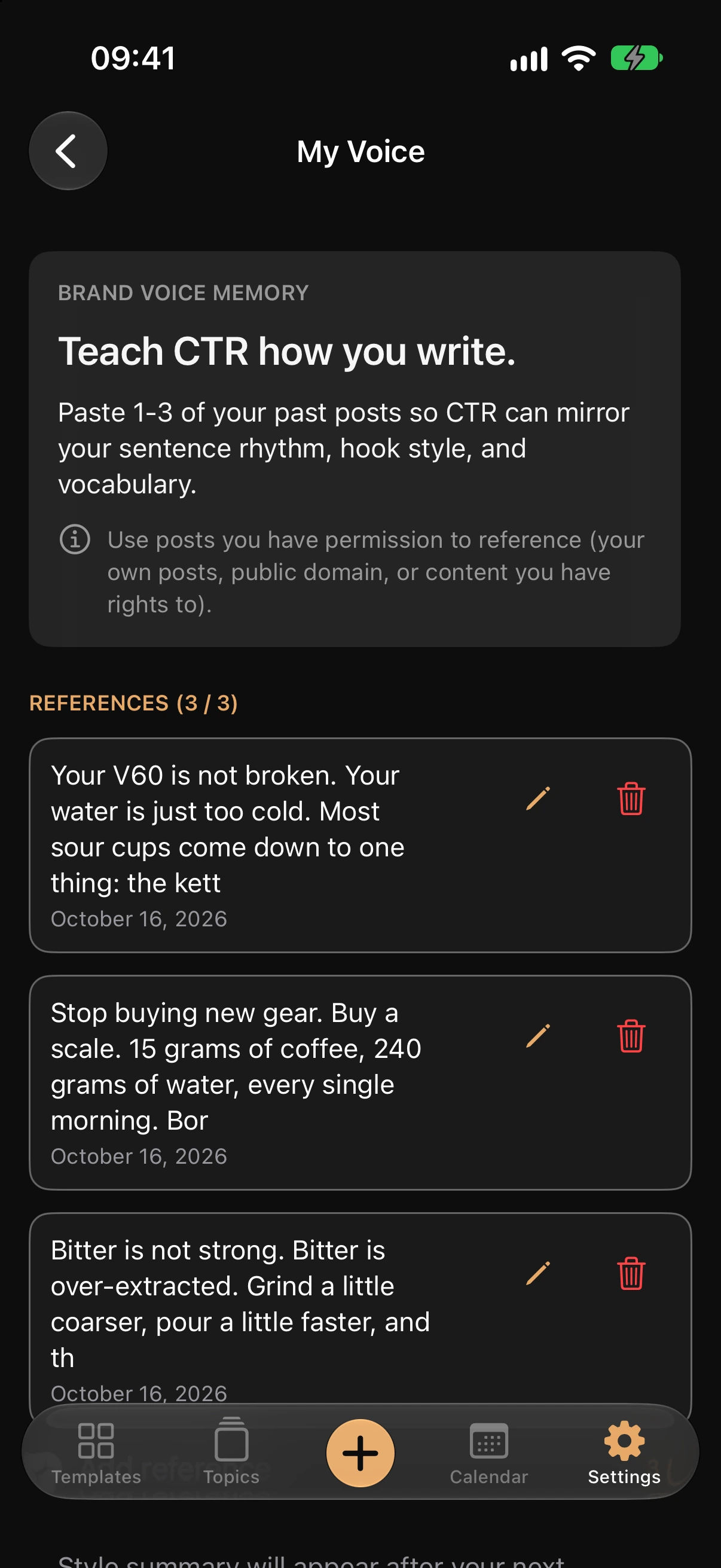
Written in your voice.
Brand Voice Memory learns from one to three posts you have already written. The caption reads like you on a good day, not like a model with a "friendly" setting.
From your facts. Nothing invented.
Numbers, cases and quotes come from the topic's Facts & stories. When there is nothing there to use, CTR writes from observation and the mechanism — it does not make a statistic up.
Opened by the phrase people search for, sized to the platform.
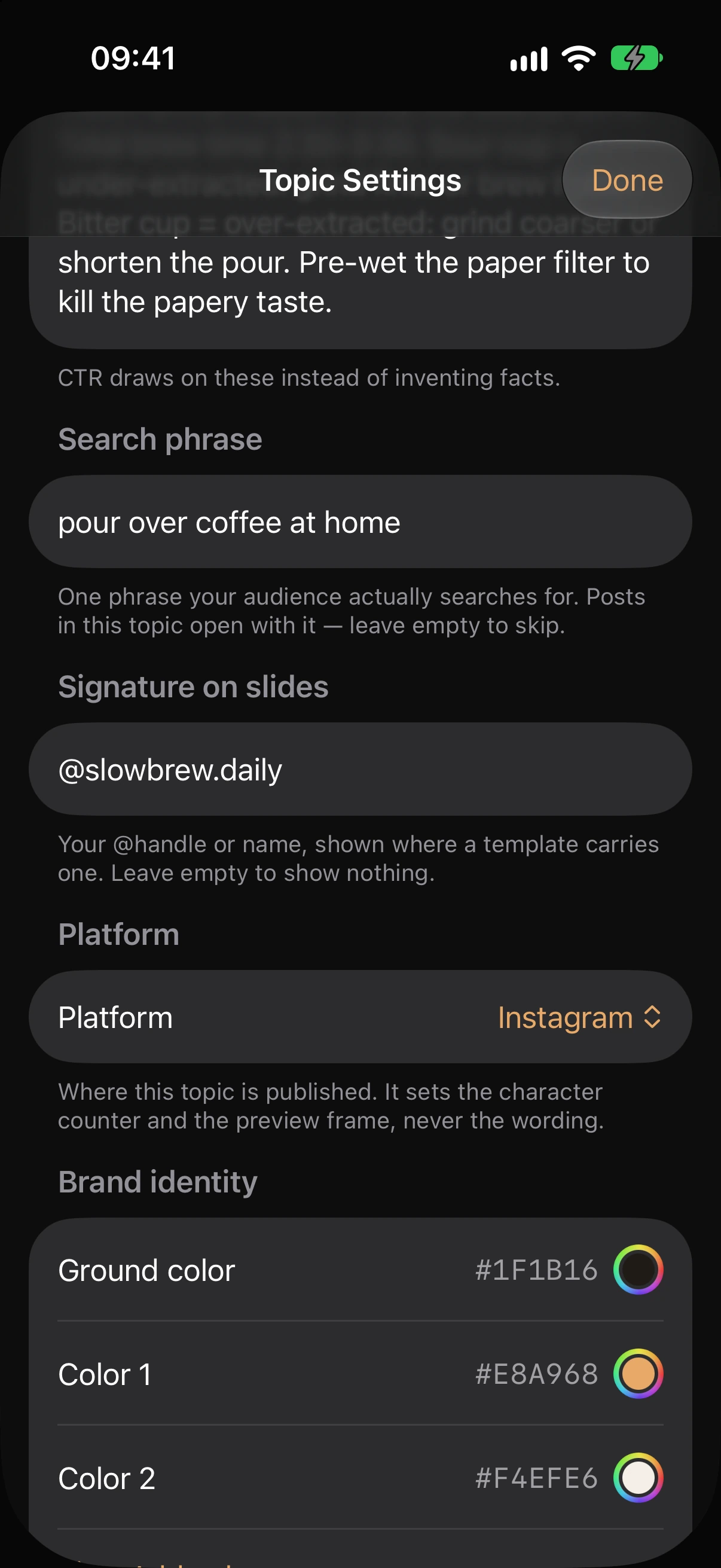
The topic's search phrase opens the post. The platform on the topic sets the length — an Instagram caption, a LinkedIn post and a post for X are three different texts, not one text trimmed three times. One AI post generator, every platform on the topic.
How to generate a post caption in CTR
Pick the topic.
Audience, goal, content function and platform are already set on it; you set them once.
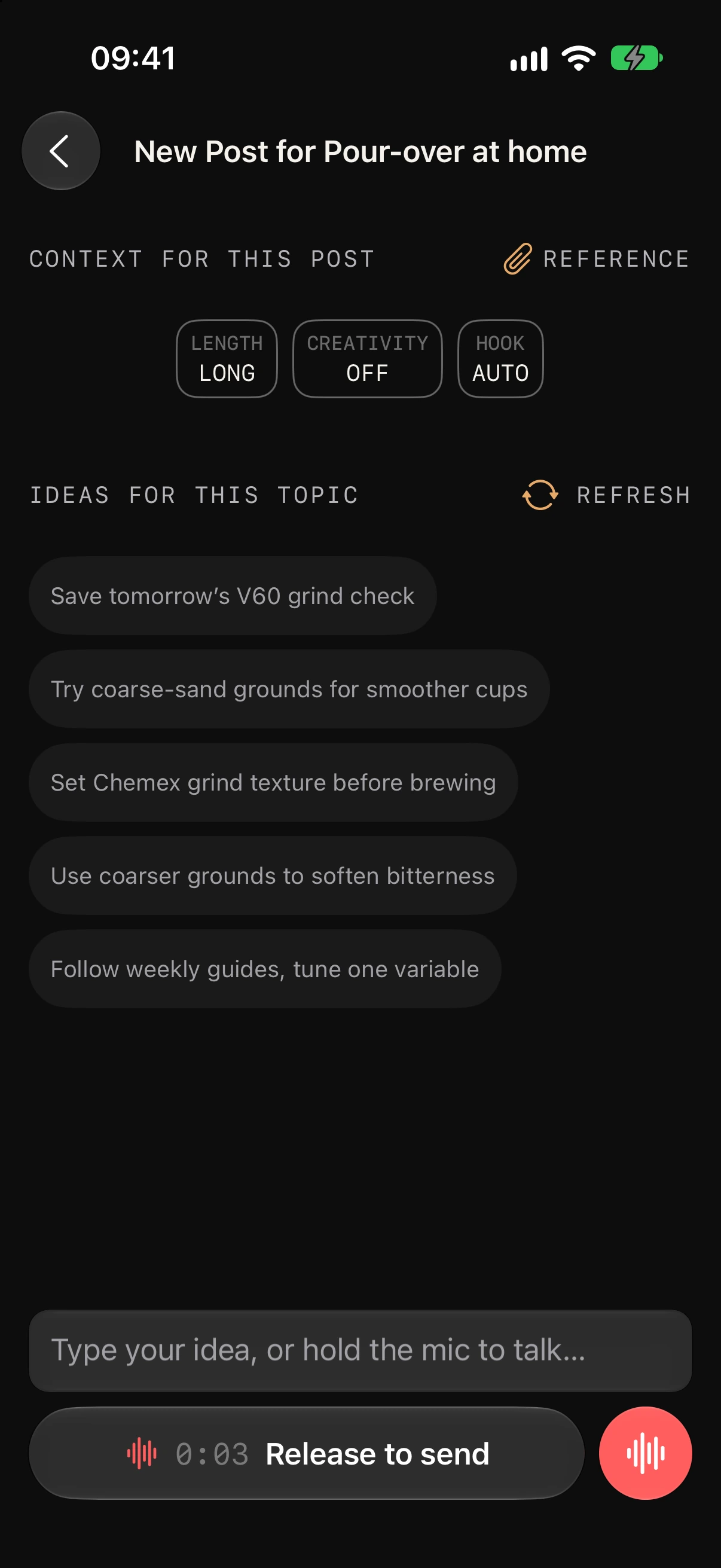
Say or type the idea.
One sentence is enough. A voice note is transcribed on the spot.
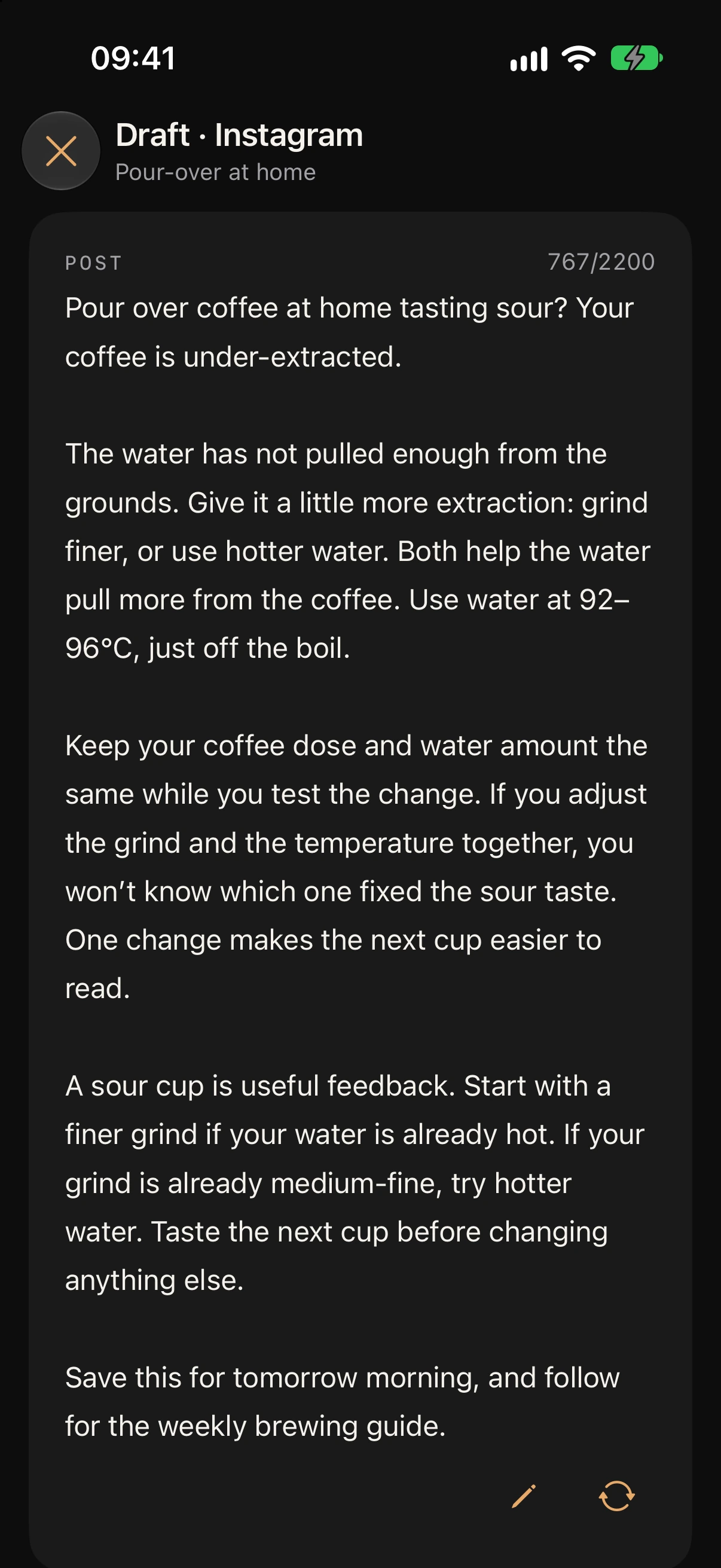
Generate, edit, copy.
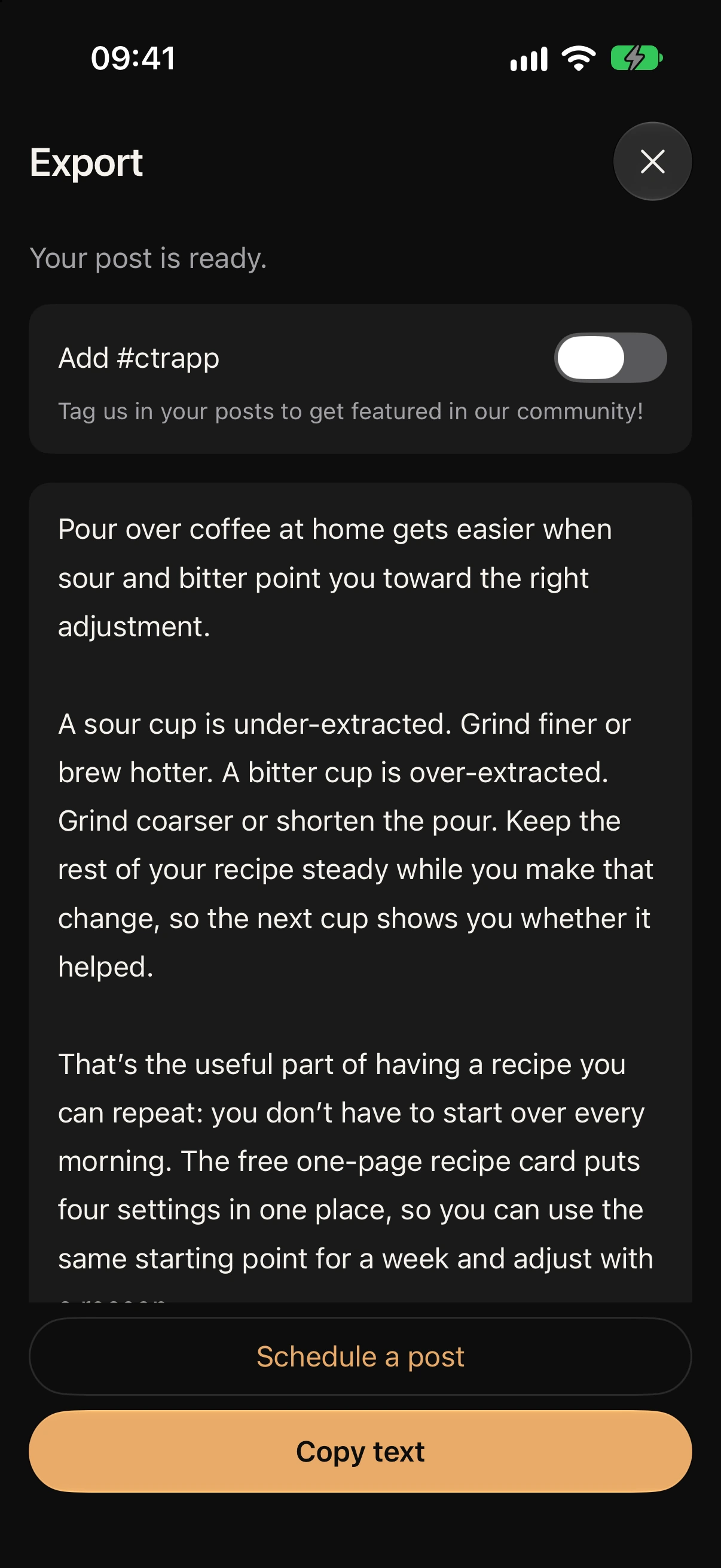
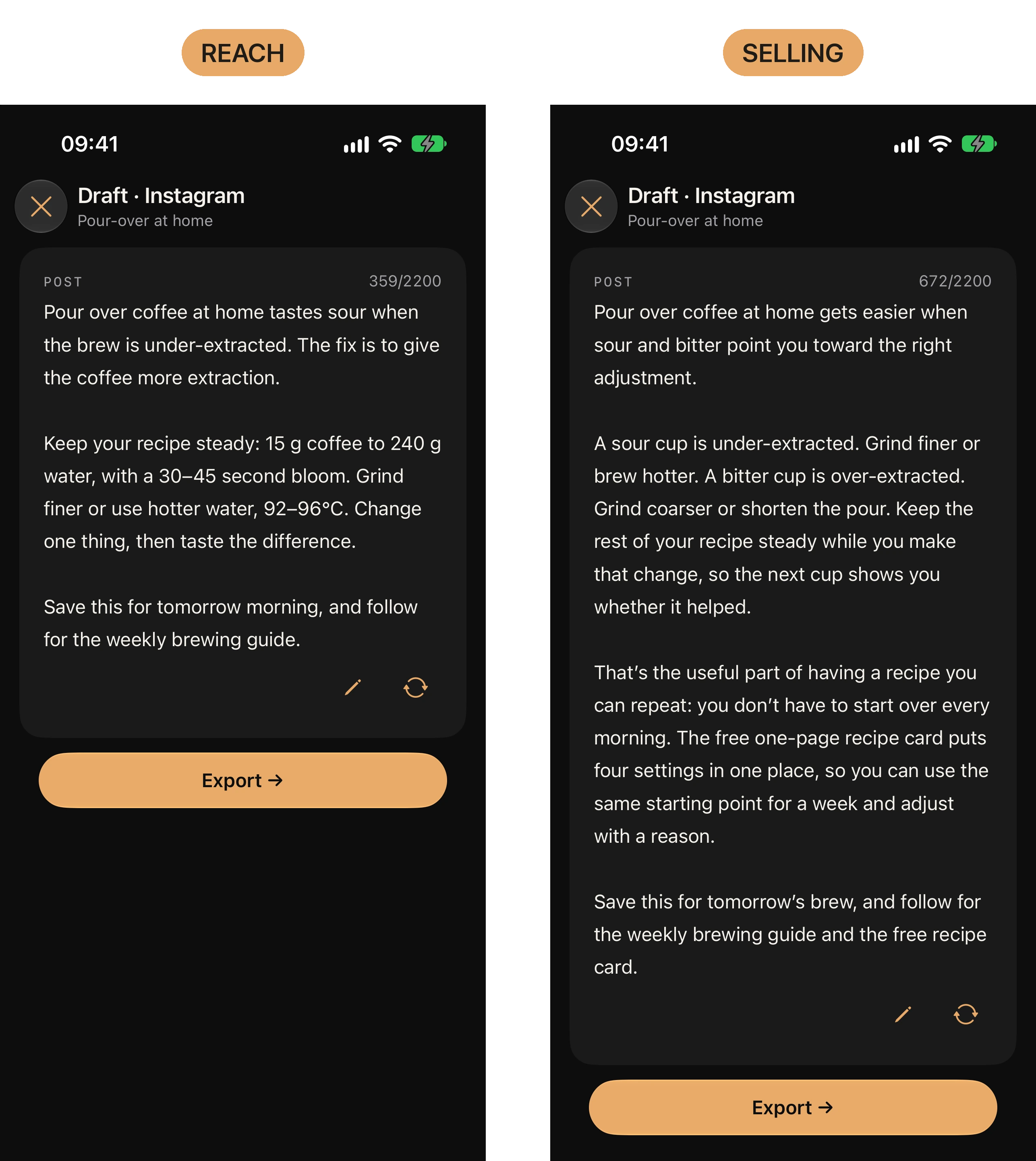
The caption appears with the platform's character counter. Fix a line if you want, copy, paste where you post — an Instagram caption writer that fits between two other things you had to do.
Made for creators who post to sell
- The coach who knows exactly what to tell a client and freezes at the empty caption field.
- The solopreneur who pasted the same brief into ChatGPT five times and still got a stranger's voice — and wanted a caption writer for Instagram that sounds like her.
- Anyone who makes the visual in twenty minutes and spends an hour on the caption.
How to write Instagram captions people actually read
- The first line is the whole post. — the topic's search phrase opens it; readers decide on that line.
- One idea. — the Topic goal asks "what should the reader do after reading?" One answer, one caption.
- A fact or a case, not an adjective. — Facts & stories; "we helped many clients" loses to the name of one client and what changed for them.
- Say it the way you talk. — Brand Voice Memory; the reference posts set the rhythm.
- End on the goal. — the Topic goal ("What should the reader do after reading?") sets the last line: save, follow, write to you, buy. The function shapes the opener and the body; the goal shapes the ask.
Instagram: the caption under the post
Set Instagram on the topic. The text is written to Instagram's length, with the counter in view before you copy it — the Instagram caption you see is the one your reader gets. The carousel on the same topic is written in the same voice — that is the next page.
Read more: AI carousel maker
LinkedIn post generator — the longer form
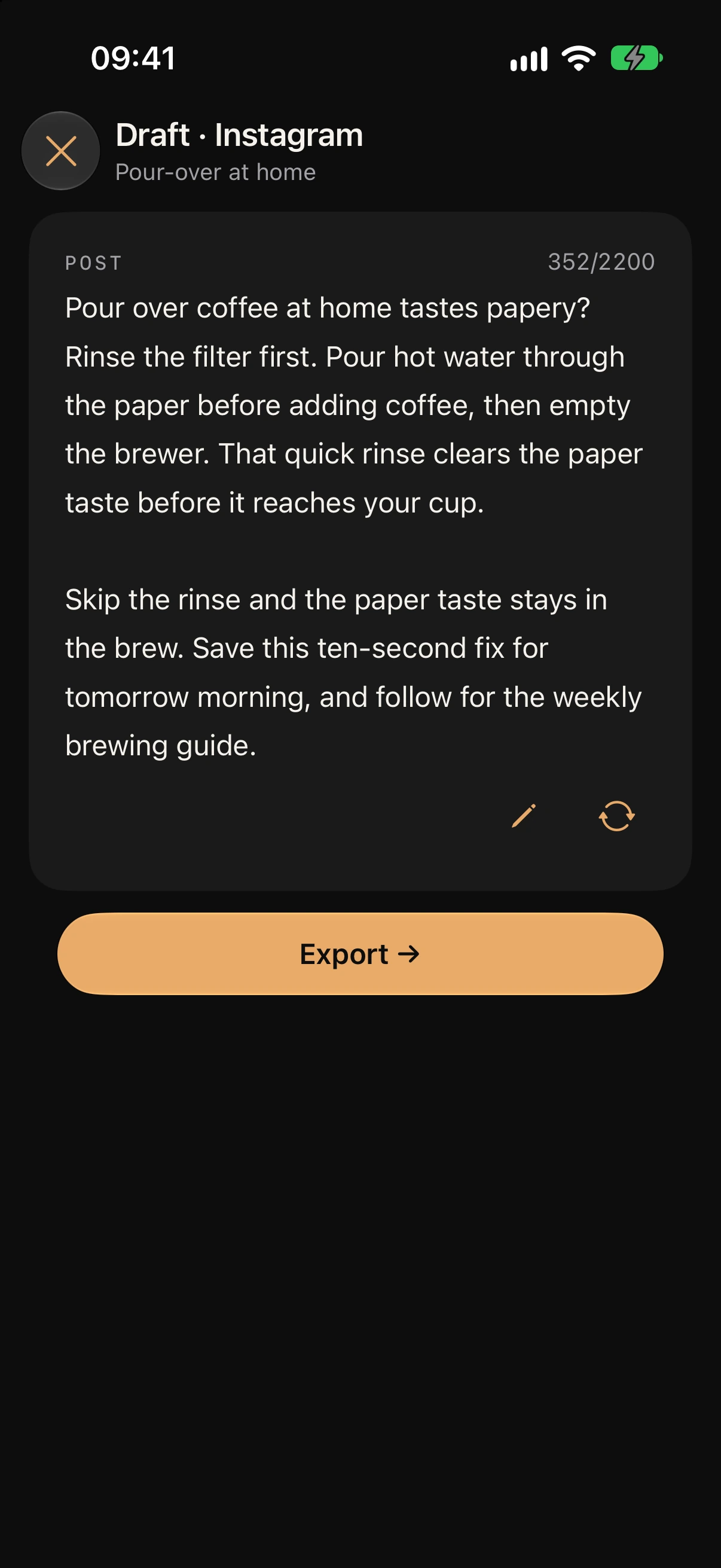
A LinkedIn post is read in two steps: the opener, then the click on "see more". Set LinkedIn on the topic and CTR writes the opener to the search phrase and the body to the goal, at LinkedIn's length — the same facts as the Instagram caption, a different post. Pair it with the carousel PDF from the same topic.
AI tweet generator — posts for X
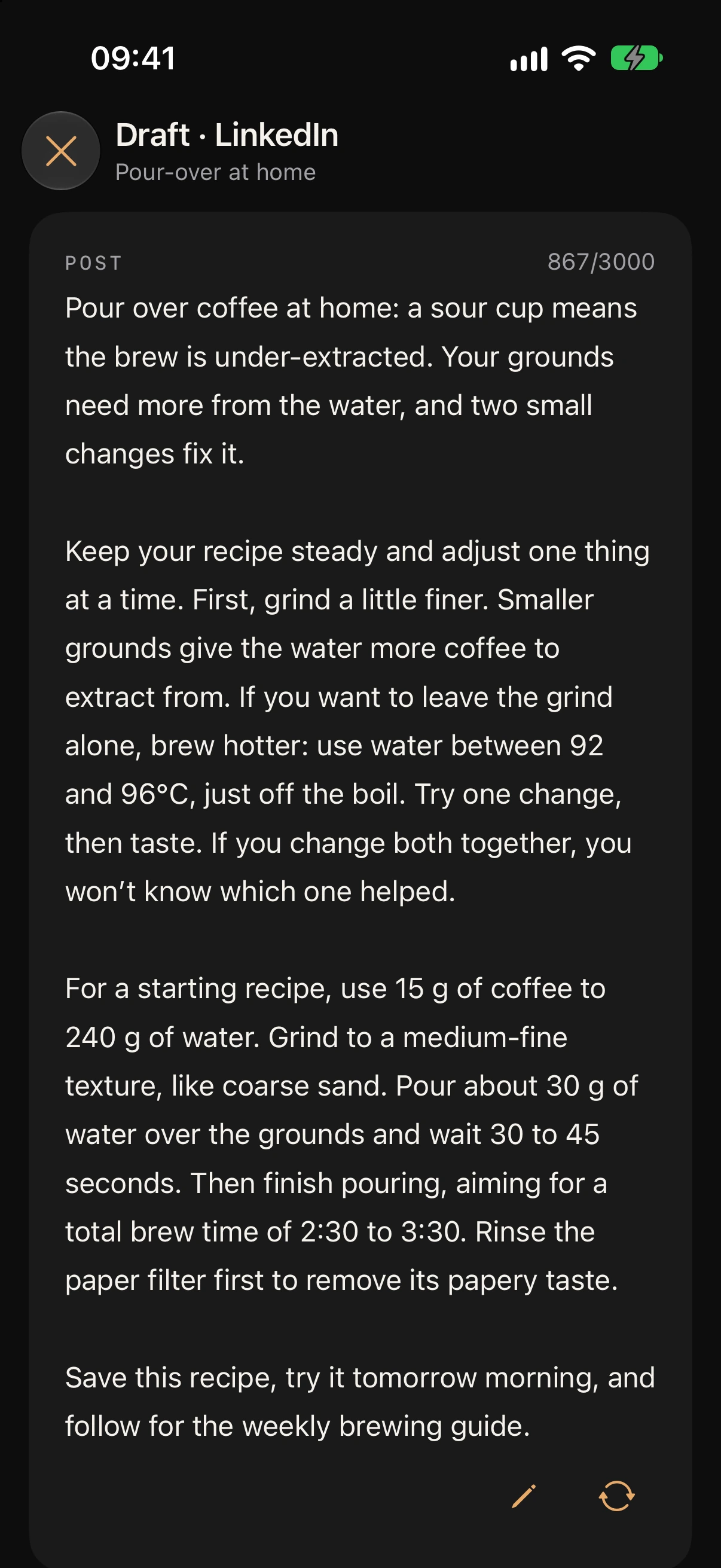
Short, one idea, no preamble. Set X on the topic and the post comes back at X's length, in your voice. Threads works the same way. CTR writes posts for X; it does not make fake-tweet images.
A caption writer that sounds like you
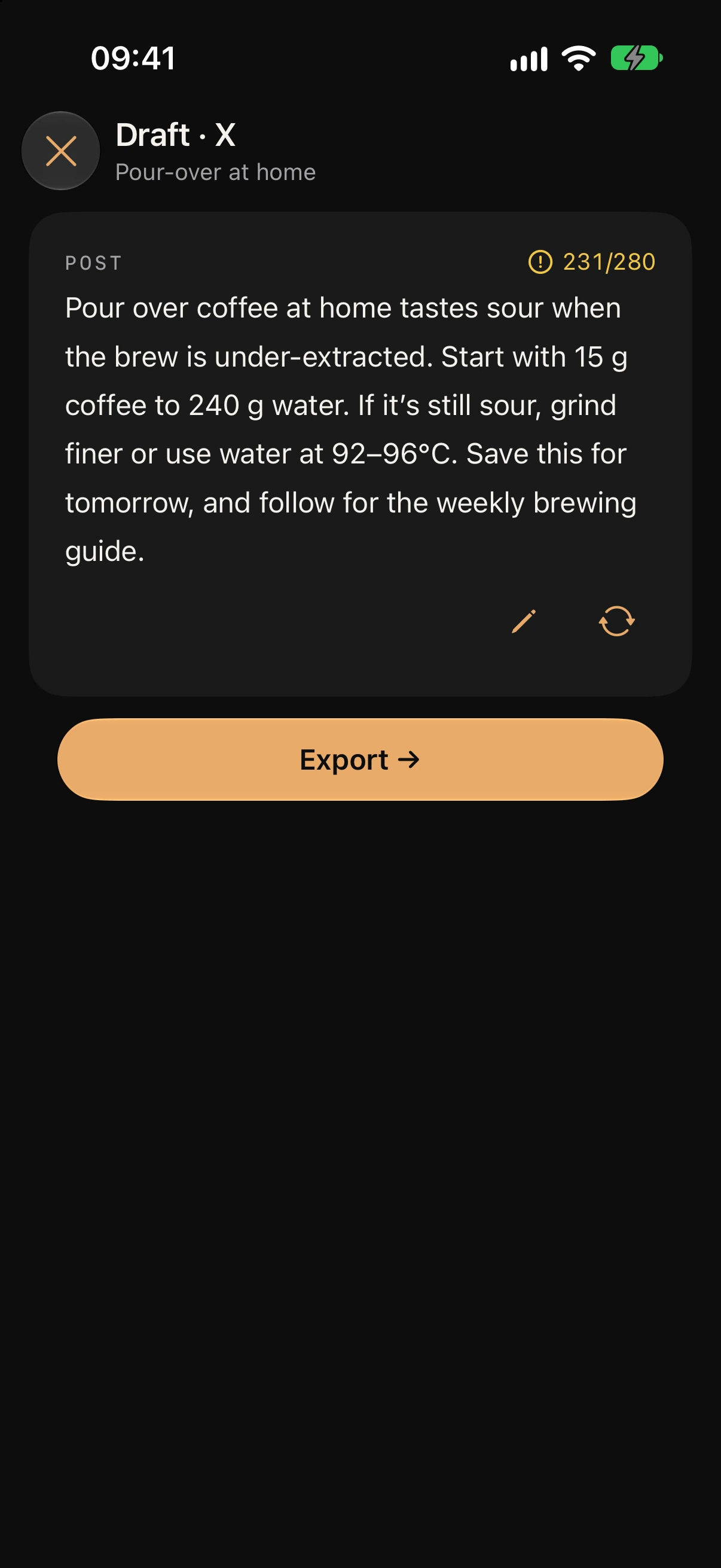
Brand Voice Memory holds one to three of your own posts and writes to how they read. Change the reference posts and the voice follows. They stay on your device; only the current request goes through OpenRouter to an AI model provider.
Read more: Brand Voice Memory
What CTR will not do for you
- It does not post to Instagram, LinkedIn, X or Threads. You copy and publish; the calendar reminds you.
- It does not generate hashtags. The only tag it ever adds is an optional #ctrapp on export.
- It does not invent a number, a case or a quote you did not give it.
- It is not a website. CTR is an app on your iPhone or iPad — the caption is written where you post from.
Questions
Before you install
Does it write for Threads and X too?
Yes. Platform is a setting on the topic — Instagram, Threads, X, LinkedIn — and each post is written to that platform's length.
How does it learn my voice?
You give Brand Voice Memory one to three posts you wrote yourself. It writes to how those read, not to a generic tone setting. Swap the posts and the voice changes with them.
Will it make up statistics?
No. Numbers come from the topic's Facts & stories. If there is nothing there, it writes from observation and the mechanism rather than inventing a figure.
Is this an AI post generator or a caption writer?
Both, from one generation: a feed caption when the topic says Instagram, a full post when it says LinkedIn. What changes is the platform on the topic, not the tool.
How much does it cost?
A 7-day free trial first; after it, the subscription costs what Apple shows for your region. Cancel any time in Settings › Apple ID › Subscriptions.
Get started
Your next post, in your voice.
7-day free trial. Cancel any time in Settings › Apple ID › Subscriptions.